
How do I scan an image?
 |
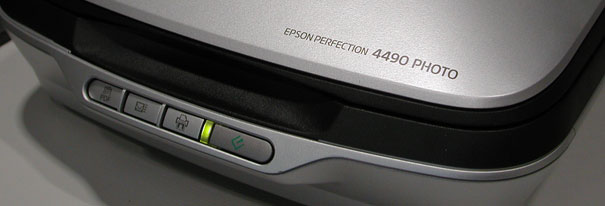 |
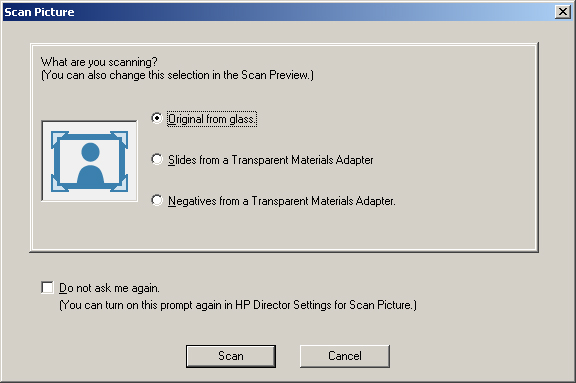
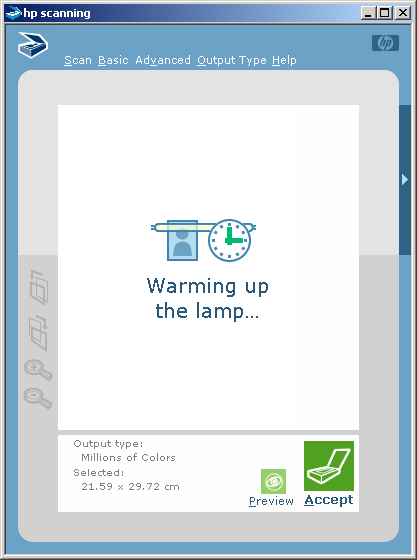
Scanning ImagesMost people want to scan photographs or images from magazines and text books. With this scanner you also have the option to scan from photographic negatives or from a photographic slide. In this case we are assuming that you want to scan from a photograph. Place your image onto the glass of the scanner (face down). Click 'Scan Picture' to start the scanning process. You should see the following window open on the screen : |
 |
|
 |
|
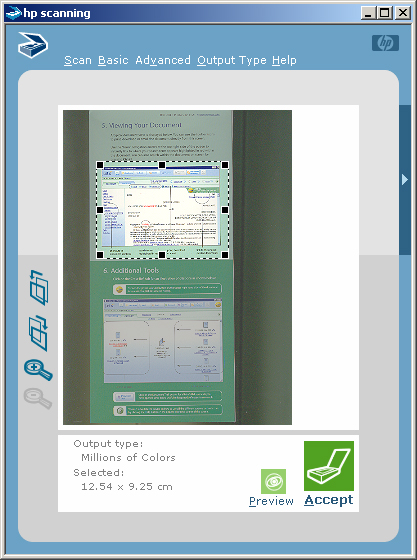 |
When you are happy with your selection you need to click the 'Accept' button to make the final scan. Your image will be displayed in thumbnail view within the HP Photo & Imaging Gallery on your home directory. We suggest that you move this file to somewhere more convenient by dragging the file to a suitable folder in your home directory. Once moved you can use a graphics program such as Paint shop pro to resize the image or save it into another format. Start > PWF Programs > Graphics and Presentation > Paint Shop Pro > Paint Shop Pro 7 Further information on scanning can be found on the Computing Service web pages. |